What is InputCheckr?
InputCheckr is a free online peripheral test bench for the devices you type,
click and speak into — microphone, keyboard and mouse. Each test reads the raw
signal your browser receives, the same signal your games, video calls and
recordings actually consume, and renders it like a lab instrument: live
waveforms, key matrices, polling meters and plain-language verdicts.
If you have ever asked "is my mic working?", "why do my keys drop
when I press WASD?" or "is my mouse double-clicking by itself?" —
these are the tests built for exactly those questions. No app to install, no
account to create, and every test runs locally in your browser tab.
Free online tests for every input device
The bench currently covers the three most-tested peripherals. The
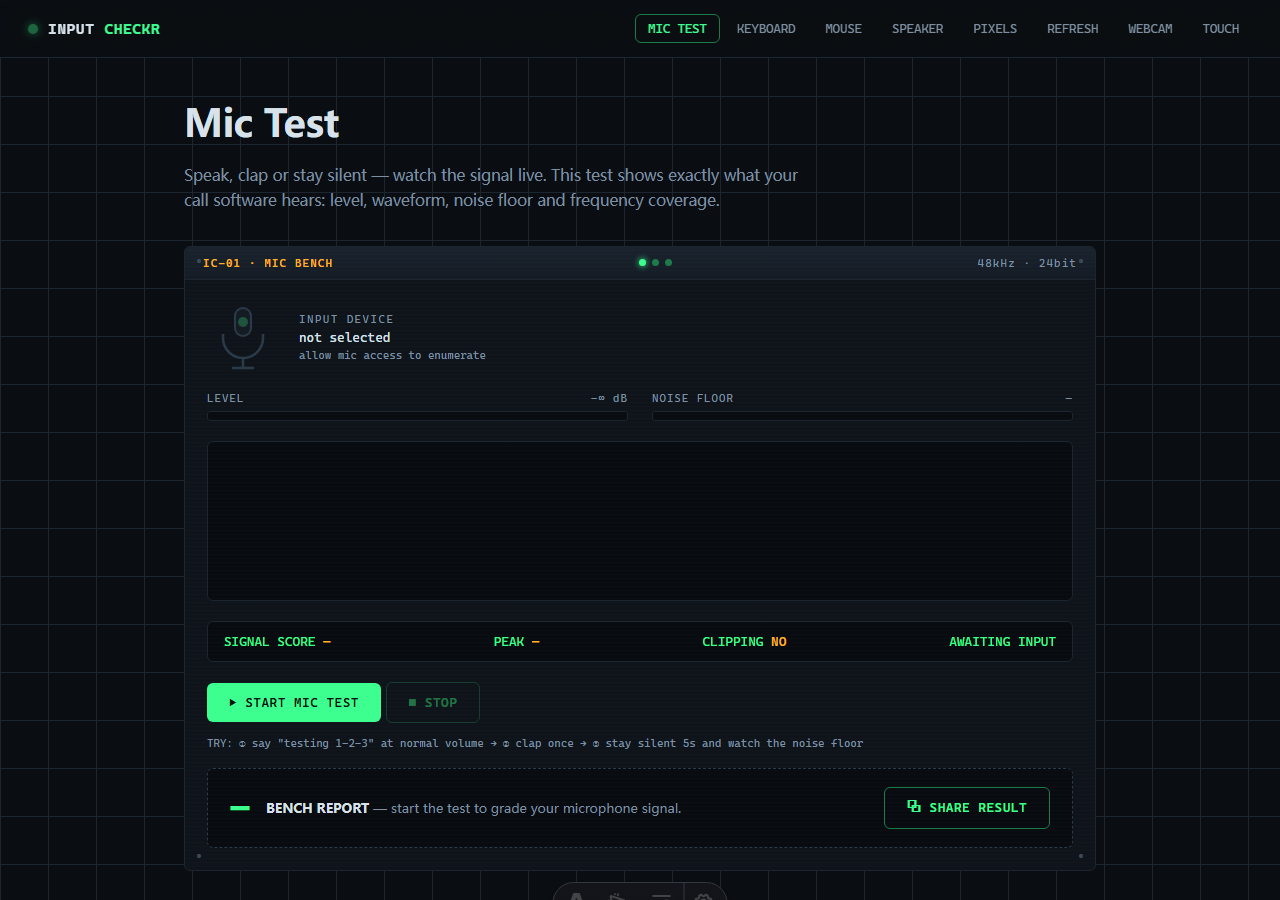
mic test measures level, waveform, frequency response
and noise floor for Zoom, Discord, Teams and every other call app. The
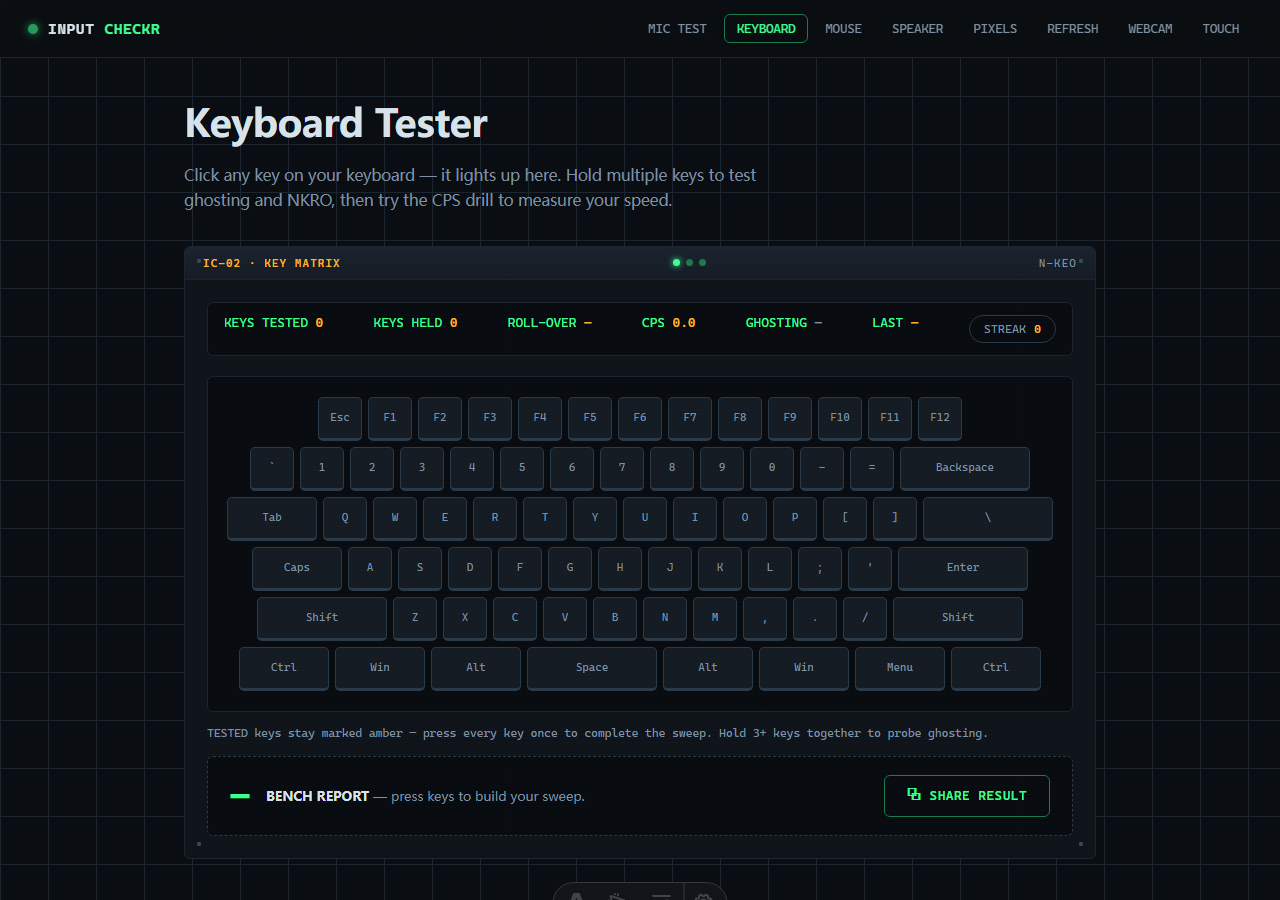
keyboard tester lights up every key, tracks
which keys you have already tested, detects ghosting and NKRO rollover
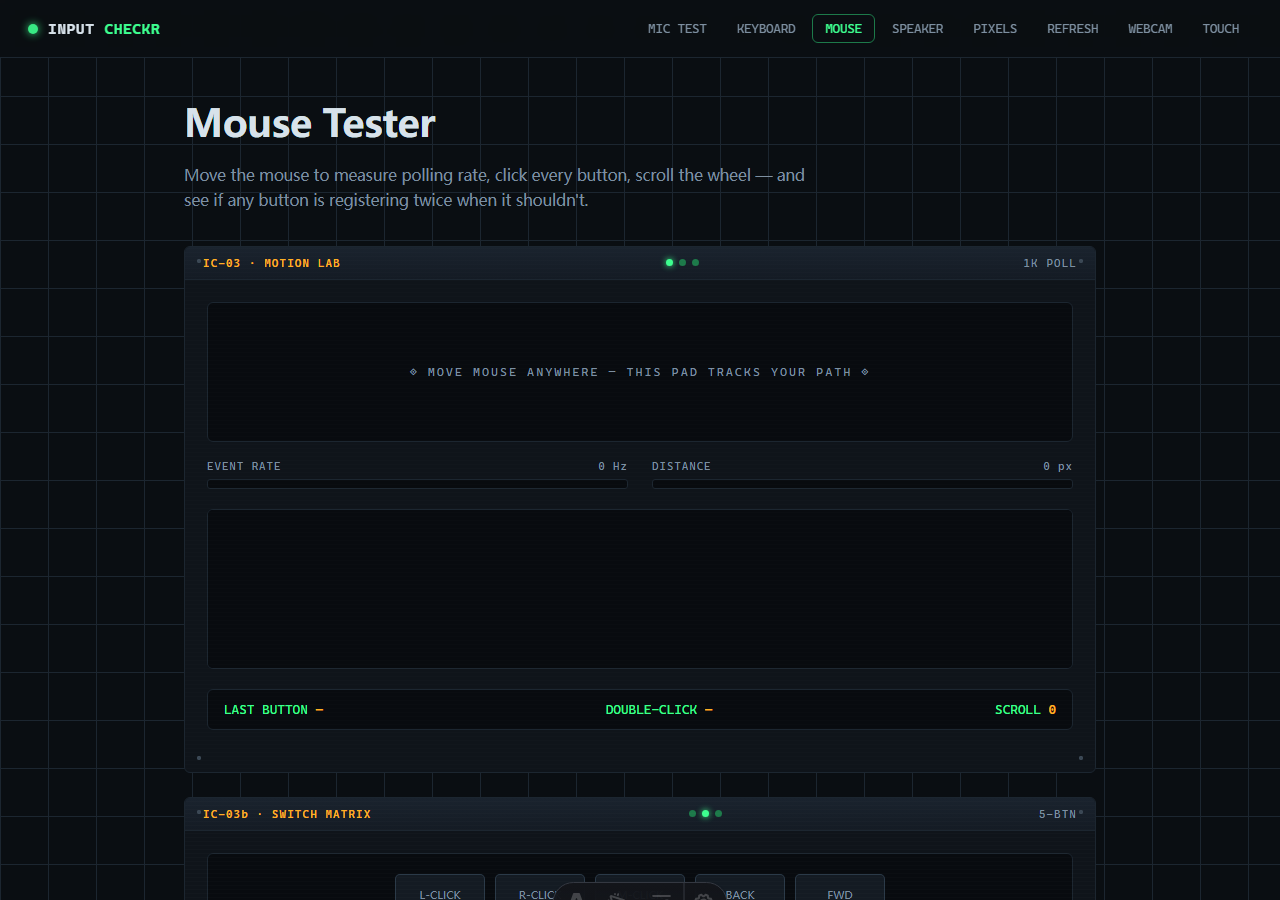
failures, and counts your CPS streak. The mouse
tester estimates polling rate from event frequency, exercises every
button including side buttons, checks the scroll wheel and flags
double-click wear.
3 TEST BENCHES 0 DOWNLOADS 100% LOCAL ∞ FREE
Why test your microphone, keyboard and mouse online?
Hardware faults are the silent cause behind most "the app is broken" reports.
A microphone that clips on calls, a keyboard dropping W during a fight, a
mouse that double-clicks on its own — the fault is almost always in the
device, not the software. Windows' built-in mic troubleshooter is three
toggles deep, and dedicated hardware testers cost money and need drivers.
A browser test bench reads the same raw stream your apps consume, so what
you see on screen is what they hear.
What you can check with each test
- Mic test — live level meter, waveform, noise floor, clipping detection and a signal score for calls and recordings.
- Keyboard tester — per-key press visualization, tested-key tracking, ghosting and NKRO rollover probing, CPS counter.
- Mouse tester — polling-rate estimate, full button matrix, scroll-wheel check and double-click fault detection.
PRIVACY
Audio and input never leave your device — everything runs locally in the tab.
NO SIGNUP
Open the page and test. No account wall, no email gate, no trial timer.
INSTANT
Under one second to load. If the app sees the device, this page reads it.
VERDICT
Not just raw numbers — scores, health verdicts and a fix-it table for every failure mode.
Frequently asked questions
Do I need to download or install anything?
No. Every test runs in the browser tab you are already on — no app, no extension, no account.
Is my microphone audio uploaded anywhere?
No. The mic test uses the Web Audio API entirely on your device. Close the tab and nothing remains.
Why does my mic work here but not in Zoom?
This test reads the raw mic stream, so if the level moves here, your mic and OS settings are fine — the problem is the app picking a different input device.
What is keyboard ghosting?
When pressing several keys at once causes some presses to drop. Gamers need NKRO (n-key rollover); hold 3+ keys on the keyboard tester to check yours.
Does the mouse test measure real DPI?
Browsers do not expose DPI. It measures event rate (≈ polling rate) and pixel distance; use manufacturer software for exact DPI.
Does it work on phones?
Yes for mic and Bluetooth keyboards/mice. The keyboard tester needs a physical keyboard; trackpads are partially supported.
Is InputCheckr free?
Completely free. There is no paid tier, no account and no usage limit — the tests are static pages that run in your browser.
What is the difference between this and Windows mic test?
Windows only shows a level bar for the default device. This shows waveform, noise floor, clipping and a grade — plus per-app troubleshooting for Zoom, Discord and Teams.
Can I test a headset or USB microphone?
Yes — the test uses whatever input device your OS selects. Pick the headset or USB mic in system sound settings first.
How accurate is the mouse polling rate estimate?
It counts browser mousemove events per second, which approximates polling rate but is capped by browser event throttling. Treat it as a sanity check, not a lab measurement.
Which browsers are supported?
Chrome, Edge, Firefox and Safari — anything with getUserMedia and the Web Audio API. The keyboard and mouse tests work in every modern browser.